fetch
Fetch OpenAPI spec from remote endpoint and generate types.
fetch downloads your OpenAPI spec, caches it, compares hashes, and regenerates _generated/ when something changed. It's the command CI runs and the one you run when staging moved on without telling frontend.
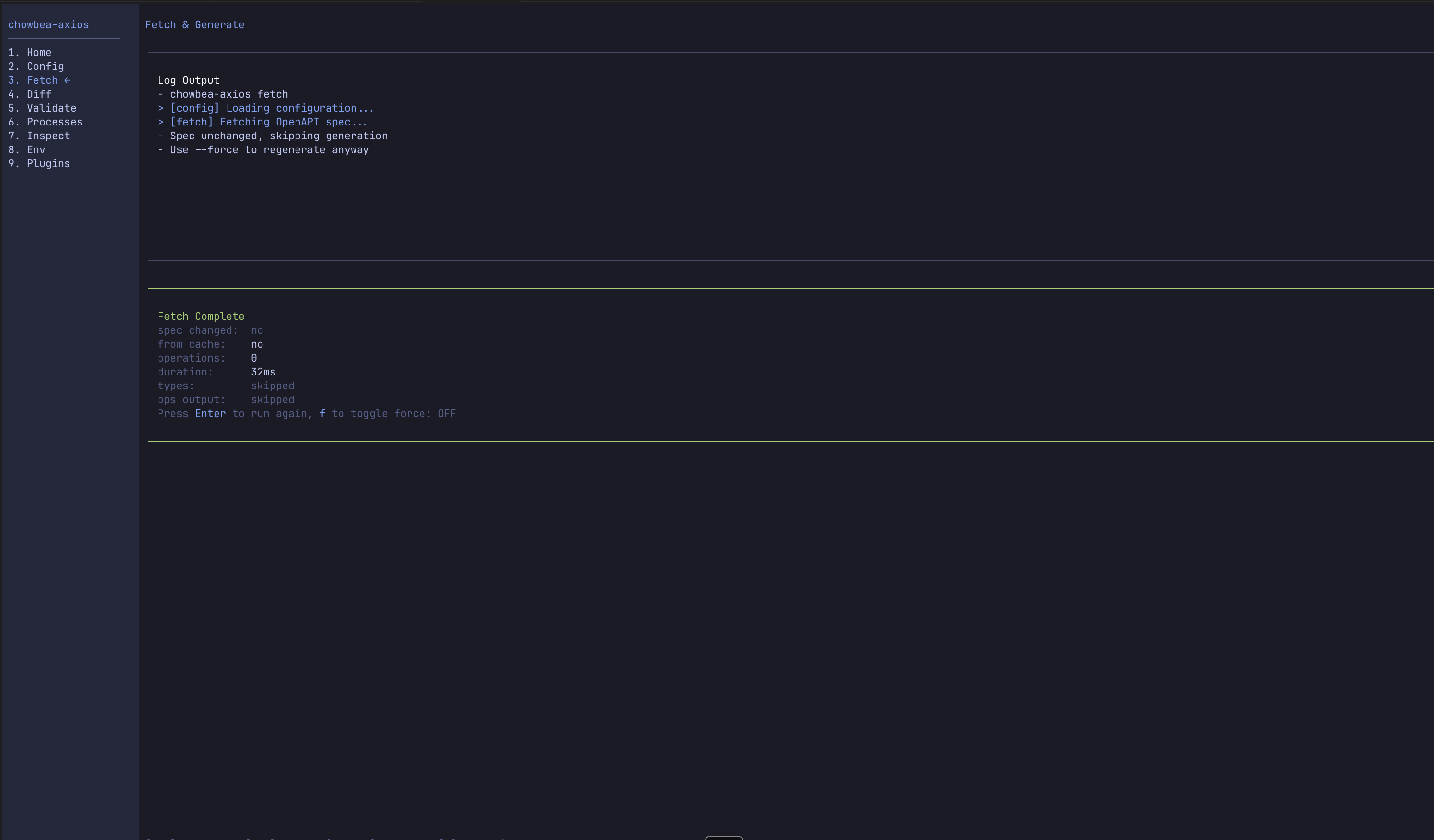 Prefer buttons? The interactive dashboard runs
 fetch from Fetch & Generate.
Usage
chowbea-axios fetch [flags]What it does
- Downloads the OpenAPI spec from your configured endpoint (or loads from local file)
- Caches the spec with hash for change detection
- Compares with previous version to detect changes
- Generates
api.contracts.ts,api.types.ts, andapi.operations.ts - Creates client files if they don't exist
Operations without operationId are skipped in api.operations.ts. Path client methods still generate for every endpoint. Run validate if you're wondering why api.op.createThing doesn't exist.
Source resolution (v3)
fetch is a live command, so endpoints beat files: --endpoint flag → --spec-file flag → config api_endpoint → config spec_file. With both config keys set — which is exactly pinned-inputs mode — bare fetch hits the endpoint, and an api.config.local.toml overlay can point it at your own localhost or tunnel with zero flags. Everything fetch writes is gitignored (_internal/ cache, _generated/); it never touches the committed pins — that's sync's job, and only sync's.
Flags
| Flag | Short | Description | Default |
|---|---|---|---|
--config | -c | Path to api.config.toml | Auto-detected |
--endpoint | -e | Override API endpoint URL | From config |
--spec-file | -s | Use local spec file instead of remote | - |
--force | -f | Force regeneration even if unchanged | false |
--dry-run | -n | Preview without writing files | false |
--types-only | - | Generate only TypeScript types | false |
--operations-only | - | Generate only operations | false |
--quiet | -q | Suppress non-error output | false |
--verbose | -v | Show detailed output | false |
Examples
Basic fetch
chowbea-axios fetchForce regeneration
chowbea-axios fetch --forceHash unchanged but you don't trust it? --force. We've all been there.
Use local spec file
chowbea-axios fetch --spec-file ./openapi.jsonOverride endpoint
chowbea-axios fetch --endpoint https://api.example.com/docs/swagger.jsonDry run (preview)
chowbea-axios fetch --dry-runOutput:
Dry run complete - no files written
Operations found (operations=42)
Would update: app/services/api/_generated/api.types.ts
Would update: app/services/api/_generated/api.operations.ts (156 lines)
Generate only types
chowbea-axios fetch --types-onlyCaching behavior
- SHA256 hash of spec content is computed
- Compared with cached hash from previous fetch
- Skips generation if hashes match (unless
--force)
Cache lives in _internal/:
.api-cache.json— hash and metadataopenapi.json— cached spec content
Don't edit these. They'll be overwritten and you'll be sad.
Network retry logic
Endpoint down? Fetch tries like an adult:
- Retry 3 times with exponential backoff (1s, 2s, 4s)
- Fall back to cached spec if available
- Report error if no cache exists
│ ⚠ Fetch failed, retrying... (attempt=1, maxAttempts=3, delayMs=1000)
│ ⚠ Fetch failed, retrying... (attempt=2, maxAttempts=3, delayMs=2000)
│ ⚠ All fetch attempts failed, checking for cached spec...
│ ✓ Using cached OpenAPI spec due to network failure
Authentication
Protected spec endpoints — headers in config:
[fetch]
headers = { Authorization = "Bearer $API_TOKEN" }
Environment interpolation: $VAR or ${VAR}.
Generated files
After a successful fetch:
_internal/ and _generated/ are overwritten on each fetch. Your edits belong in api.client.ts, api.instance.ts, and the query layer.
When to use fetch vs generate
Use fetch when... | Use generate when... |
|---|---|
| Your API spec changed | You have a cached/local spec |
| First time setup | Regenerating from cache |
| CI/CD pipelines | Quick iteration offline |
| Remote endpoint available | Network is optional |